
Transform Static Products into Interactive 3D Experiences

OptiPlayer lets your customers zoom, animate, explode, and explore your products directly in the browser. No apps, no plugins—just seamless 3D visualization.

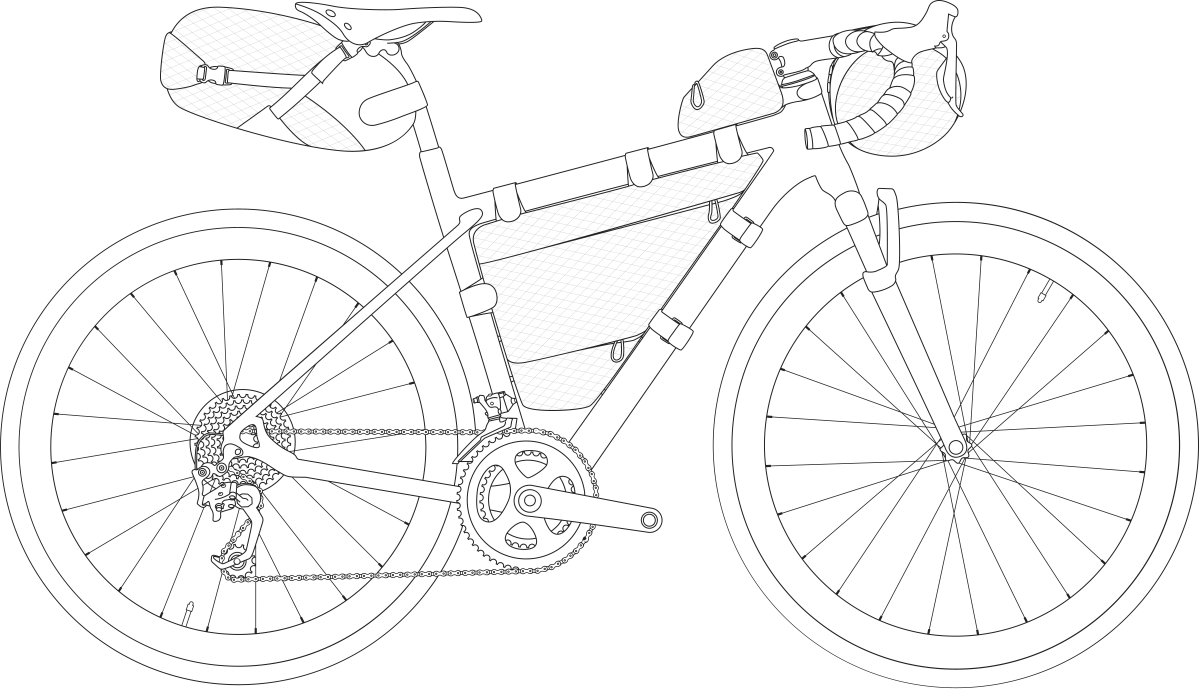
Solution comparison

Video

  • No custom look

PDF

  • No custom look

Optiplayer

  • Detailed view
  • Pause anytime
  • Zoom in on detail

Accelerate Sales Cycles

Help buyers understand complex engineering faster without lengthy sales calls.

Reduce Support & Returns

Clear, interactive component breakdowns leave zero room for misunderstandings.

Embed Anywhere

Light-weight and fully responsive on desktop, tablet, and mobile.

Experience OptiPlayer in Action

Left

Lorem ipsum dolor sit amet, consectetur adipiscing elit.

Right

Lorem ipsum dolor sit amet, consectetur adipiscing elit.

Top

Lorem ipsum dolor sit amet, consectetur adipiscing elit.

Bottom

Lorem ipsum dolor sit amet, consectetur adipiscing elit.

Interactive Animations

Show moving parts and mechanical workflows step-by-step in full 3D.

Smart Part Annotations

Click any component to reveal technical specs, descriptions, or part numbers.

Exploded Views

Break down complex assemblies to reveal internal engineering and hidden parts.

CAD & Blueprint Overlays

Seamlessly toggle technical drawings and precise dimensions over the 3D model.

Up and Running in 3 Simple Steps

Upload Your 3D Models

Import your existing CAD or 3D files effortlessly.

Configure Interactions

Add hotspots, annotations, animations, and camera angles.

Embed on Your Site

Copy-paste a simple code snippet onto any web platform (WordPress, Shopify, custom web, etc.).

Ready to Elevate Your Product Experience?

Let’s show you how OptiPlayer can transform your product pages and boost sales engagement.